
The Missing Patents Section
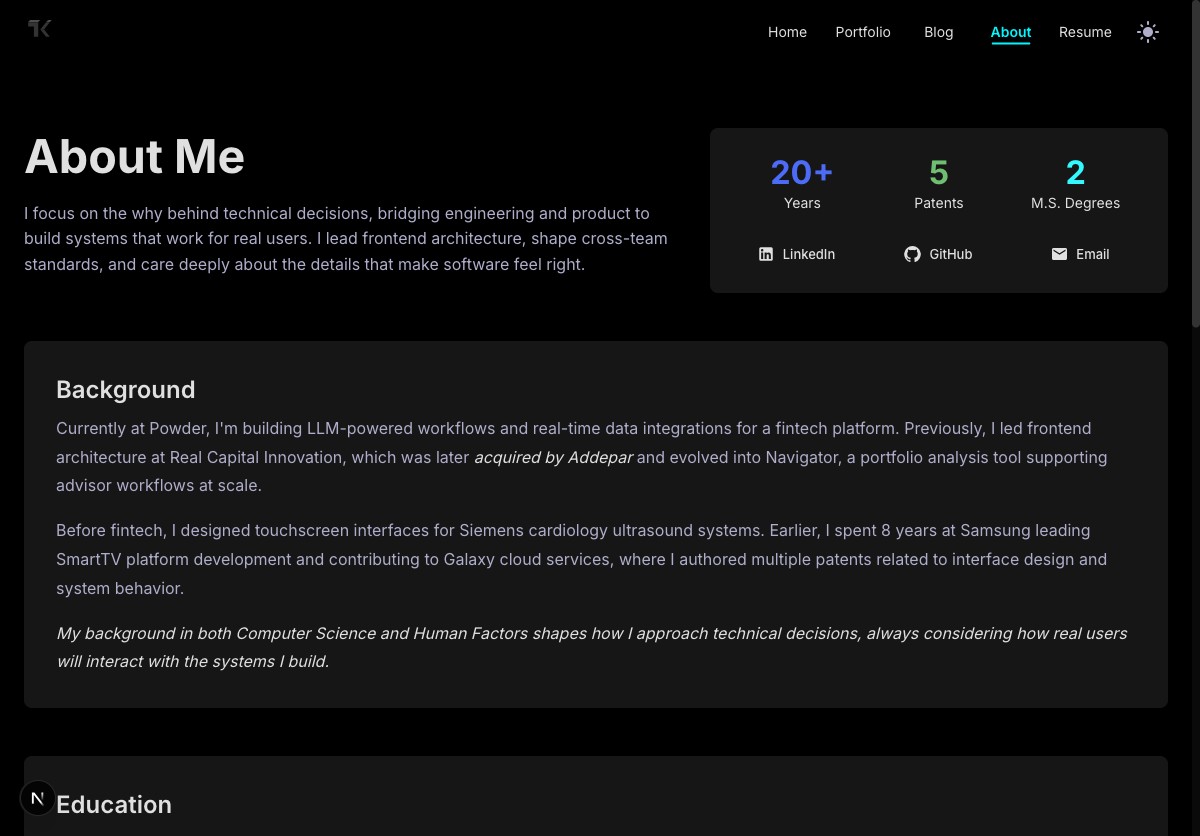
I've had a ProfileCard on my About page for a while now. It shows three stats: 20+ years of experience, 5 patents, and 2 master's degrees. Clean, compact, gets the point across. The education section below backs up the degrees. The background section covers the experience.
But the patents? They just... weren't there.
The Disconnect
Here's what the bottom of the About page looked like. Education, then straight to Skills.
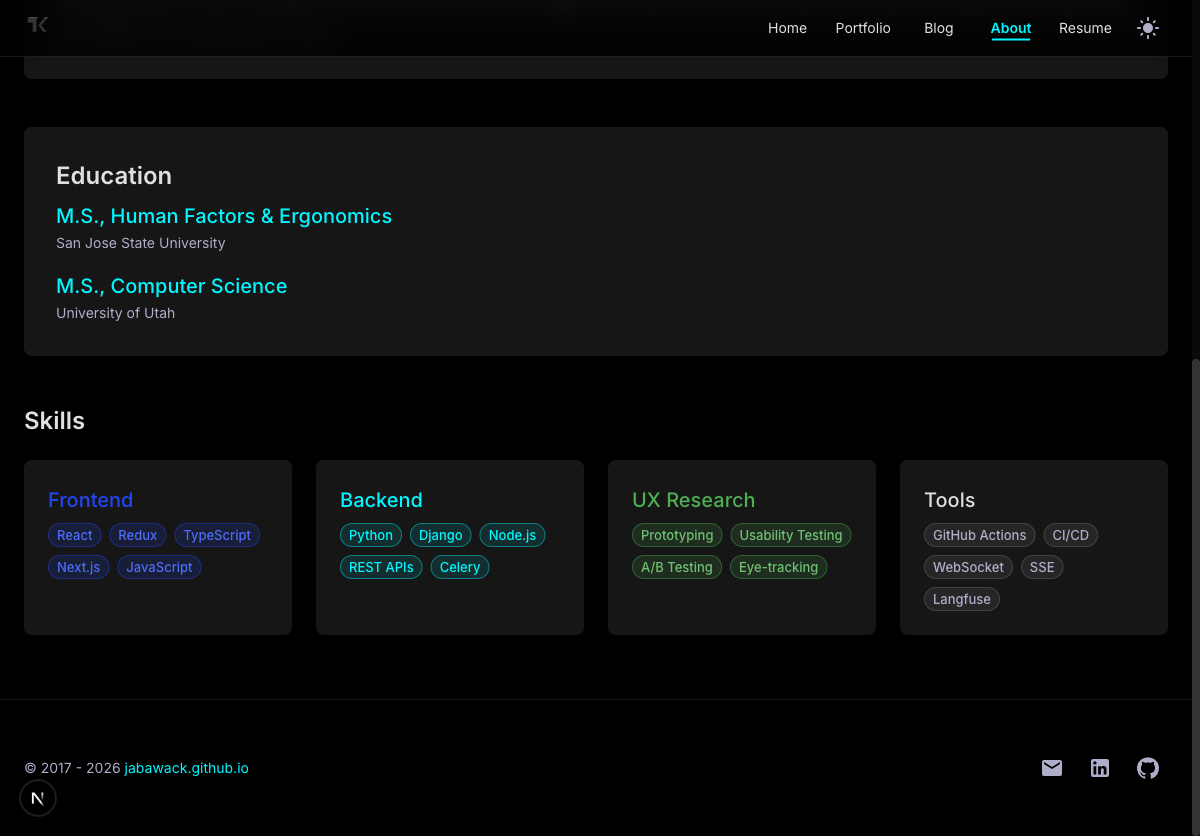
The ProfileCard at the top proudly displayed "5 Patents." A visitor reads that, thinks "oh interesting, what are they about?" and scrolls down to learn more. They find my background, my education, my skills. No patents. Nothing. The number just floats there with zero context.
If someone actually wanted to know what those patents covered, they'd have to leave my site, go to LinkedIn, and dig through my profile to find them. That's a terrible experience. I'm literally advertising something on my own page and then making people go somewhere else to learn about it.
What Made Me Notice
I was reviewing the About page after some recent updates and something felt off. The ProfileCard was doing its job, surfacing key credentials at a glance. But it was making a promise the page didn't keep. "5 Patents" is a bold claim. Without any detail to back it up, it almost works against you. It raises questions instead of answering them.
I thought about the people who'd actually care about this. A hiring manager, a recruiter, a potential collaborator. They see "5 Patents" and either they're impressed and want to know more (but can't find anything), or they're skeptical and think it's just a number on a page. Neither outcome is good.
Adding the Section
I put the patents between Education and Skills. It felt like the natural spot. Education shows my academic foundation. Patents show what I built on top of it. Skills round things out with what I work with today. A nice narrative arc.
For the layout, I split the patents into two tiers. The one where I'm listed as first inventor gets a full-width featured card with a green accent border and a "First Inventor" label. The other four sit in a 2x2 grid below it.
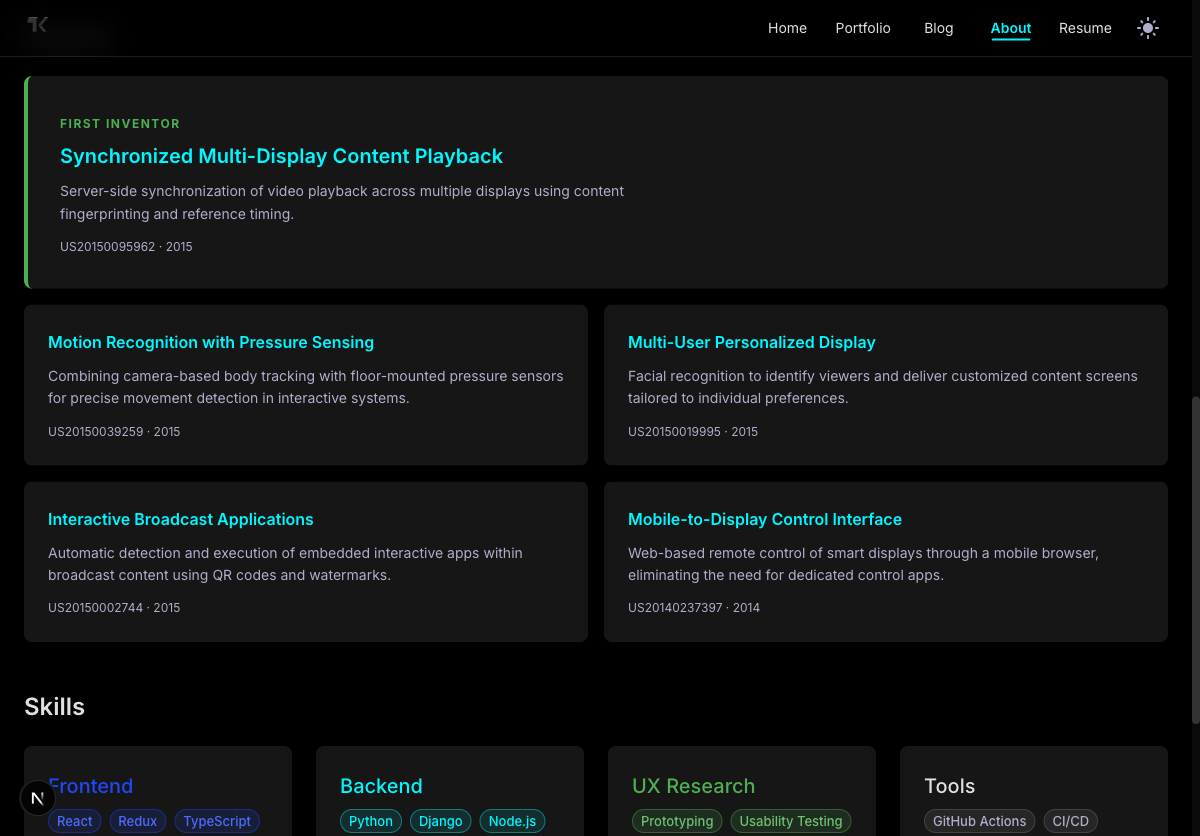
Each patent card shows the title, a plain-language description of what it does, the patent number, and the year. Every card links out to Google Patents so anyone who wants to read the full filing can get there in one click. No LinkedIn detour required.
The Patents Themselves
These all came from my time at Samsung, working on SmartTV platform development and Galaxy cloud services between 2014 and 2015.
The featured one, "Synchronized Multi-Display Content Playback," is about keeping video in sync across multiple screens using content fingerprinting. I was the first inventor on that one, which means I was the primary contributor to the invention.
The others cover some interesting territory. One combines camera-based body tracking with floor pressure sensors for more accurate motion recognition. Another uses facial recognition to personalize what different viewers see on the same display. There's one about automatically detecting interactive apps embedded in broadcast content through QR codes and watermarks. And the last one is about controlling smart displays from a mobile browser without needing a dedicated app.
They're from over a decade ago, but they still represent real, published intellectual property. They deserve a proper home, not just a number on a card.
Small Fix, Big Difference
This was one of those changes that took maybe thirty minutes to build but addresses something that's been quietly wrong for a long time. The About page now actually tells the full story that the ProfileCard promises. "5 Patents" isn't just a stat anymore. It's a section with titles, descriptions, and links.
Sometimes the most useful improvement isn't adding something new. It's connecting the dots between what you already have.