
Part of v2.6.0 · Chapter 4: Content & Growth
MDX BlogWhy I Added a Blog to My Portfolio
A portfolio shows what you built. But it rarely answers why.
After rebuilding this site from a 2017 jQuery page to Next.js 15, I realized something was missing. Each version had stories behind it - decisions made, trade-offs considered, lessons learned. Those stories were lost in commit messages nobody reads.
The Problem
When I added the Design System (v2.4.0), I spent days deciding between Storybook and Docusaurus. When I chose MUI v7 over Tailwind, there were reasons. When I implemented the Site Evolution timeline, I wanted to explain the journey from jQuery to React to Next.js.
But where do these stories live?
- README files - Too technical, buried in the repo
- Portfolio cards - Too brief, focused on outcomes
- Social media - Too ephemeral, lost in feeds
I needed a place to document the journey, not just the destination.
The Solution: A Blog That Lives With the Code
The blog isn't separate from the portfolio - it's part of it. Each post connects to a version:
| Version | Feature | Blog Post |
|---|---|---|
| v2.4.0 | Design System | Why Storybook over Docusaurus |
| v2.5.0 | orbit-lab-project | Building a 3D flight tracker |
| v2.6.0 | MDX Blog | This post |
This creates a living changelog. When someone sees "v2.5.0" on the Site Evolution page, they can read the full story.
Why MDX?
I considered several approaches:
| Option | Pros | Cons |
|---|---|---|
| Notion/CMS | Edit anywhere | External dependency, syncing issues |
| Markdown | Simple | No React components |
| MDX | Markdown + React, version controlled | Requires local editing |
MDX won because:
- Posts live in the repo - Same git history as the code
- No external services - No CMS to maintain or pay for
- React components - Can embed interactive demos in posts
- Type-safe frontmatter - Schema validation for metadata
What This Enables
With the blog in place, I can now:
- Document decisions as I make them, not months later
- Show before/after with screenshots and code comparisons
- Link versions to stories - each release has context
- Share technical deep-dives that don't fit in portfolio cards
The Implementation
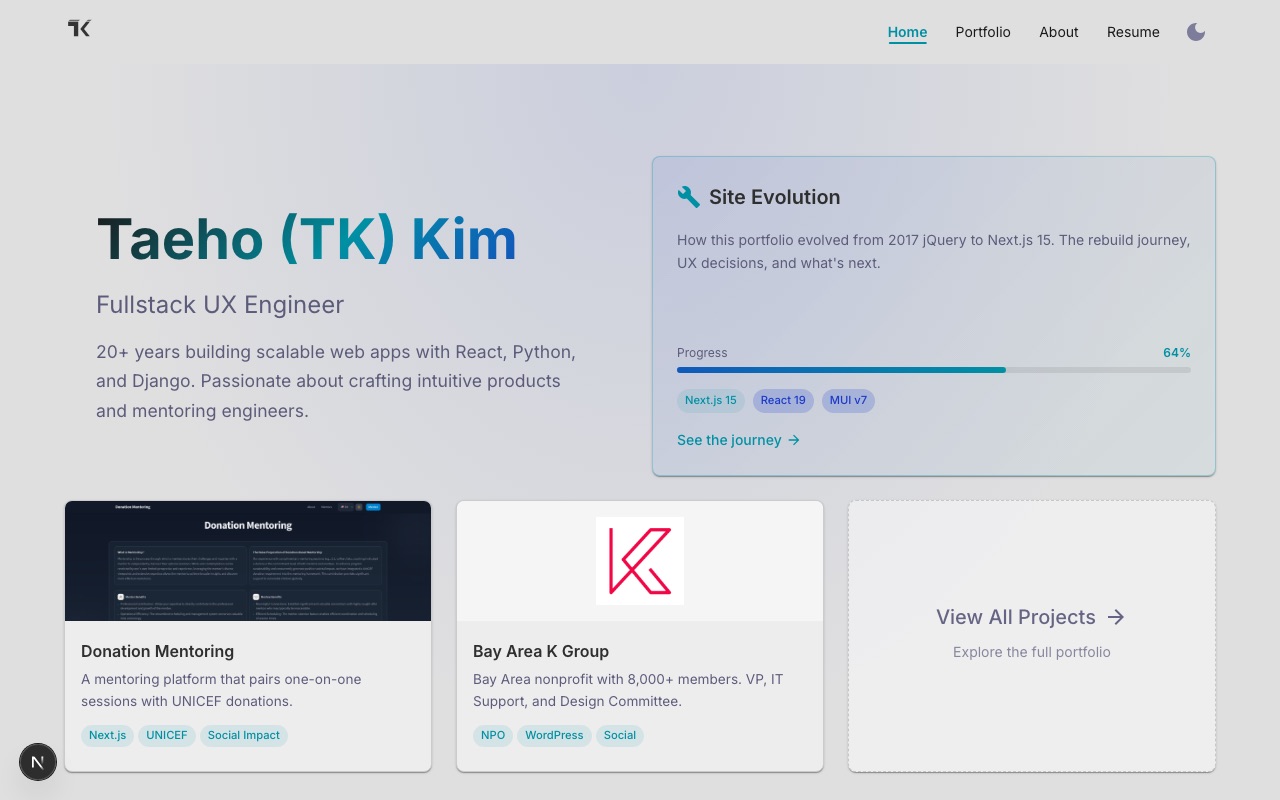
Before: No Blog in Navigation
The site had four navigation items. Blog posts about the portfolio lived nowhere.
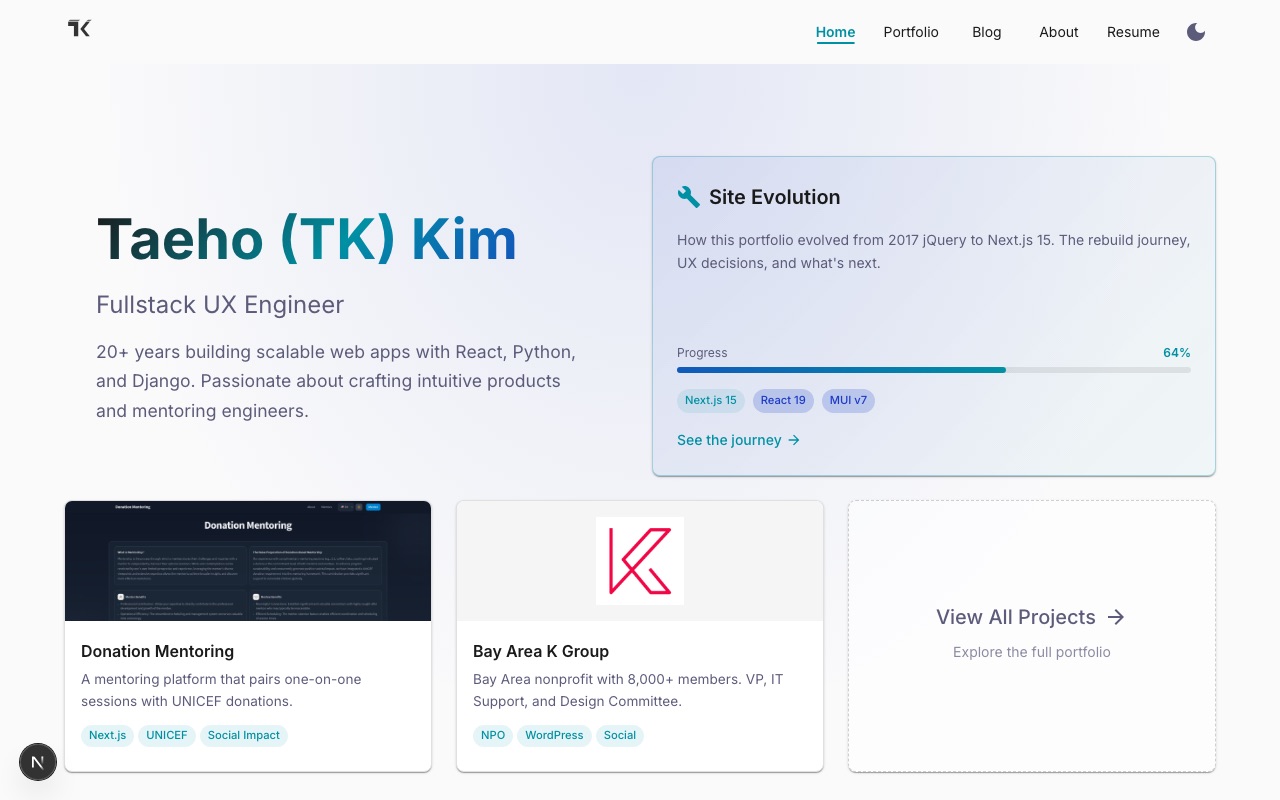
After: Blog Integrated
Now "Blog" appears in navigation, and each post connects to its version in Site Evolution.
Bidirectional Linking
The real UX win: posts link to Site Evolution, and Site Evolution links to posts.
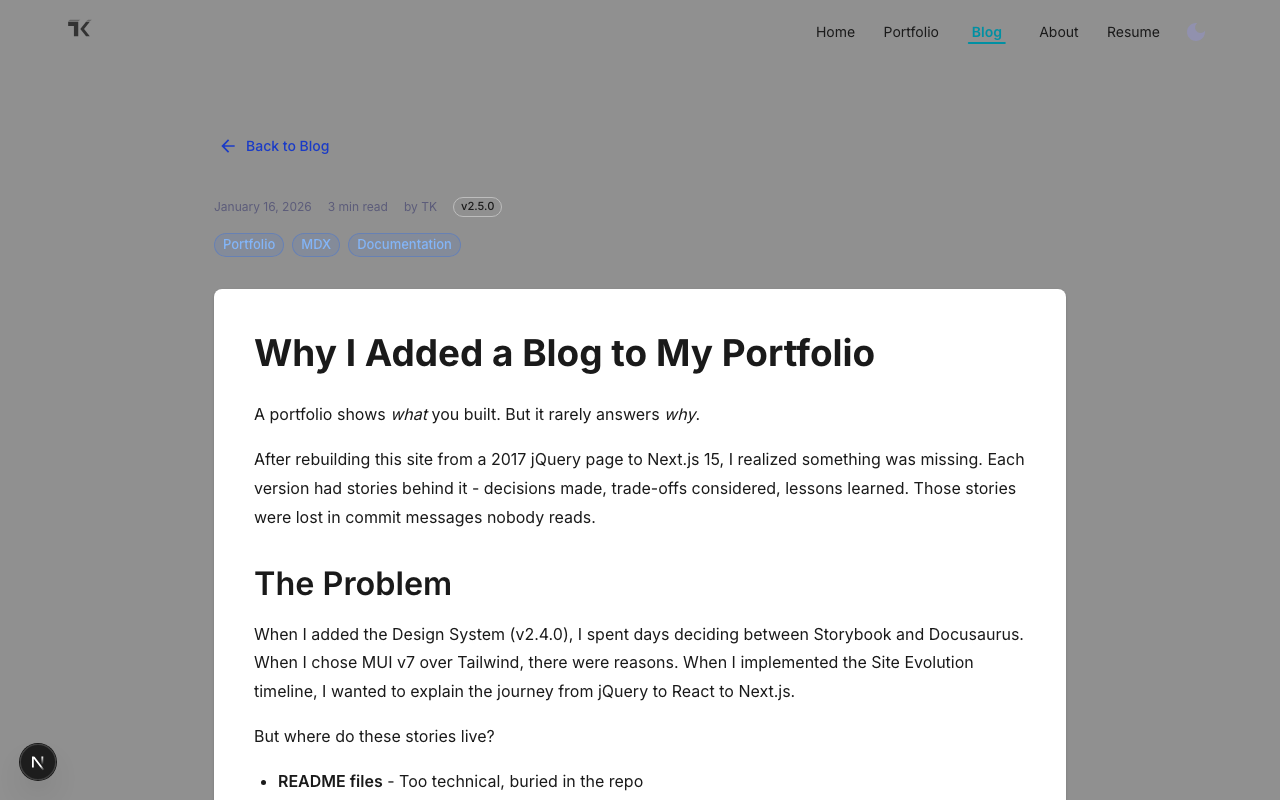
On each blog post, a context banner shows which version it's part of:
On the Site Evolution changelog, milestones with blog posts get a "Read the story" link:
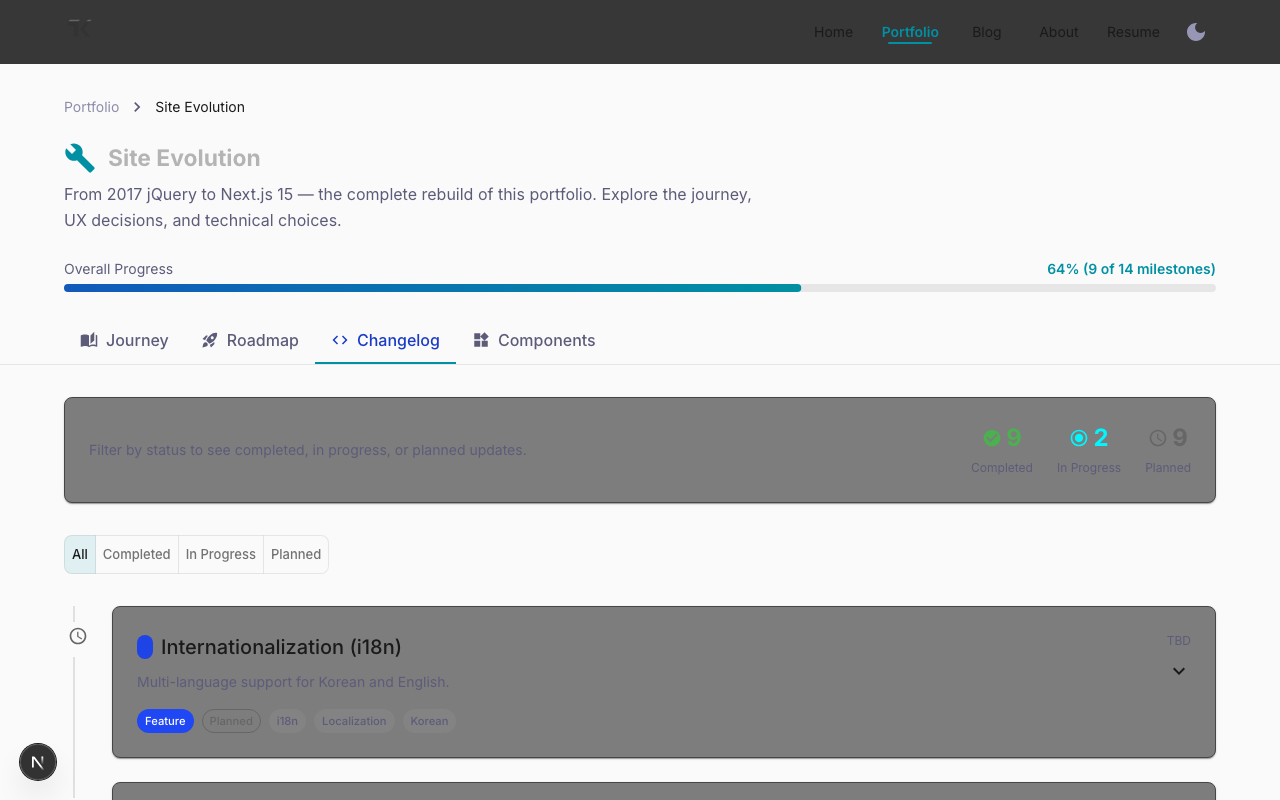
This creates a complete loop: readers can discover posts from the changelog, or jump to the changelog for broader context while reading a post.
The Blog Listing
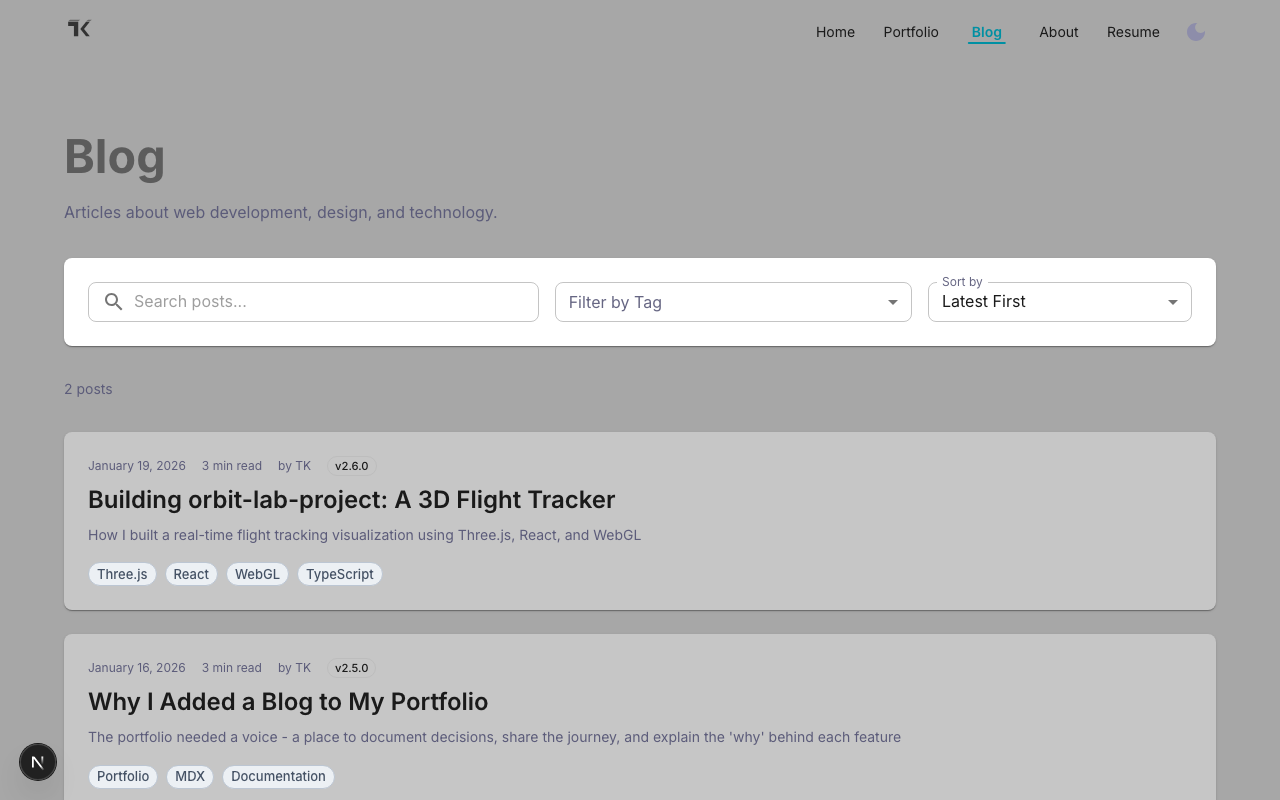
Posts are filterable by tag, searchable, and sortable. Each card shows the version badge when applicable.
The First Story
The next post will document orbit-lab-project - a 3D flight tracker I'm building with Three.js and deck.gl. Instead of just showing a portfolio card with a screenshot, I'll share:
- Why I chose deck.gl over raw Three.js
- The challenge of rendering 10,000+ flight paths
- Performance optimizations that made it usable
- What I learned about WebGL along the way
That's the kind of content a portfolio card can't capture.
Looking Forward
This blog will grow with the portfolio. Each new feature gets documented. Each technical decision gets explained. The portfolio becomes not just a showcase, but a story.
If you're building your own portfolio, consider adding a blog - not for SEO or traffic, but as a record of your journey. Future you will thank present you.