
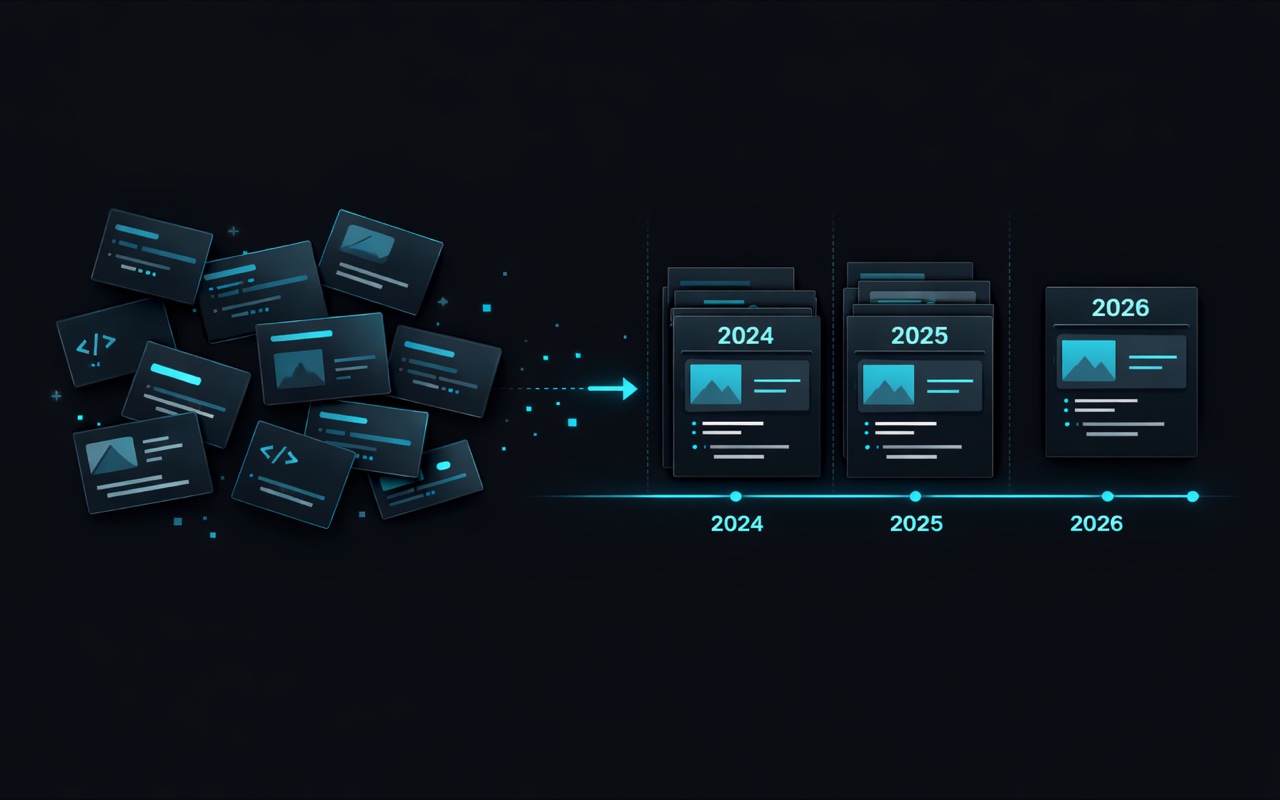
Why My Newest Project Kept Appearing Last
It was a Friday afternoon, and I had just finished adding Manuscript Alert to my portfolio. This was a project I'd been working on since August 2025 - a tool that helps researchers track academic papers. I was proud of it, excited to showcase it, and eager to see how it looked alongside my other work.
I refreshed the portfolio page. Something felt off.
Manuscript Alert was sitting there in the middle of the grid, sandwiched between projects from different years. Above it was Orbit Lab, a project I'd started in January 2026 - months after Manuscript Alert. Below it were older projects from early 2025. The timeline made no sense.
At first, I thought I'd made a typo somewhere. Maybe I'd entered the wrong year. I double-checked the project data. The years were correct: Manuscript Alert was clearly marked as "2025 - Present," and Orbit Lab was "2026." So why was the 2026 project appearing before the 2025 one?
The Realization
I stared at the screen for a moment, then it clicked.
My portfolio wasn't sorting projects by date at all. It was displaying them in whatever order they happened to appear in my data file. All this time, I'd been manually placing projects where I thought they should go, relying on my memory and judgment to keep things organized.
And my memory, it turns out, is not a reliable sorting algorithm.
When I added Manuscript Alert, I'd simply appended it to the list without thinking about where it belonged chronologically. The result was a portfolio that looked disorganized - older projects mixed with newer ones, no clear sense of progression, no way for visitors to see my most recent work first.
This wasn't just a minor annoyance. For a portfolio, presentation matters. When someone visits to see what I've been working on, they should immediately see my latest projects - the ones that best represent my current skills and interests. Instead, they were getting a jumbled timeline that required mental effort to parse.
The Hidden Problem
The more I thought about it, the more I realized this had been a problem for a while. Every time I added a new project, I'd scroll through the list, try to figure out where it should go, and make my best guess. Sometimes I got it right. Sometimes I didn't. And even when I did, the process required cognitive effort that could have been spent on something more valuable.
There's a principle in software design: data should define behavior. If I have dates on my projects - which I did - then those dates should determine the order. I shouldn't have to manually maintain something that a computer can do automatically.
The year field was right there, attached to every project. "2026." "2025 - Present." "2024." All the information needed to sort correctly was already in the data. I just wasn't using it.
What I Wanted
The fix I had in mind was simple in concept: newest projects should appear first, automatically. No more manual positioning. No more mental math to figure out where January 2026 falls relative to August 2025. Just add a project with its date, and let the system figure out where it belongs.
But I also wanted precision. As my portfolio grew, I was accumulating multiple projects from the same year. "2026" wasn't specific enough anymore - I needed to know that Ask Prism (February 2026) came before Orbit Lab (January 2026), even though both were from the same year.
And for ongoing projects - the ones marked "Present" - I wanted them to get a slight priority boost. If I'm actively working on something, that's probably what visitors should see first.
The Result
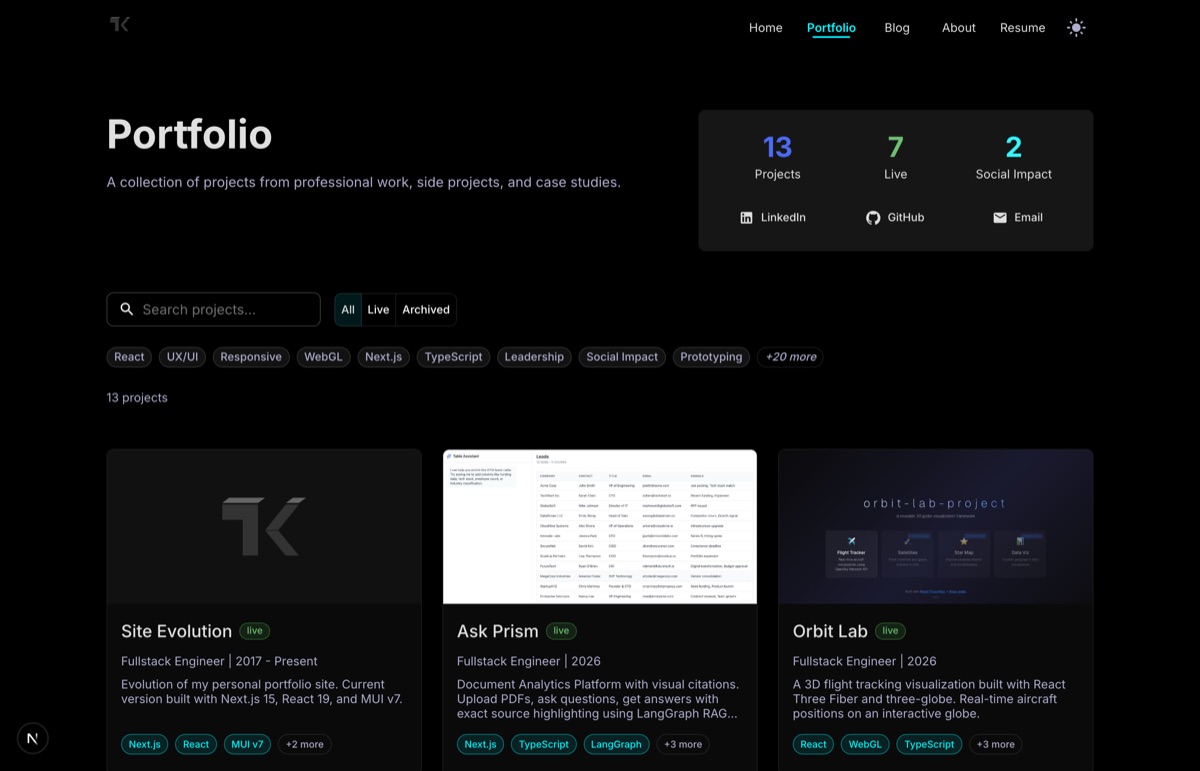
Now when I add a project, it just appears in the right place. I don't think about ordering anymore. I don't scroll through a list trying to remember what came before what. I just add the project with its start date, and the portfolio handles the rest.
The grid flows naturally from newest to oldest. Ask Prism at the top, fresh from February 2026. Then Orbit Lab from January. Then the 2025 projects in their proper sequence. Visitors see my most recent work immediately, exactly where they'd expect it.
For ongoing projects, there's a nice touch: they float to the top of their respective time periods. Manuscript Alert, marked "2025 - Present," appears before other 2025 projects that are already complete. It signals to visitors that this is active work, something I'm still invested in.
The Bigger Lesson
This experience reminded me of something I'd learned years ago but apparently needed to relearn: whenever you have data with a natural order, use that order. Don't rely on manual positioning for things that can be automated. Don't trust yourself to remember to put things in the right place every time.
The cognitive load of maintaining manual order accumulates invisibly. Each individual decision - "where should this project go?" - takes only a few seconds. But those seconds add up, and more importantly, they introduce opportunities for error. One misplaced project, and suddenly your portfolio tells the wrong story about your career progression.
There's also something freeing about removing that decision from my workflow. When I finish a new project now, I don't have to think about presentation order. I just document it with its date and move on. The system handles the rest, consistently and correctly, every single time.
What This Means for Visitors
For anyone browsing my portfolio, the change is subtle but meaningful. You now see my work in the order that makes sense - most recent first, with active projects getting priority. You don't have to scroll around trying to piece together a timeline. The progression is clear.
If you're interested in what I'm working on right now, it's at the top. If you want to see how my work has evolved over time, just scroll down. The portfolio tells its own story, in the right order, without requiring any effort on your part to decode it.
That's how it should have been from the start. Sometimes the best improvements are the ones that remove friction you didn't even know was there.
Curious about the technical implementation? The solution uses month-level date precision to sort projects automatically while keeping display dates human-readable. Feel free to explore the code if you're interested in the details.