
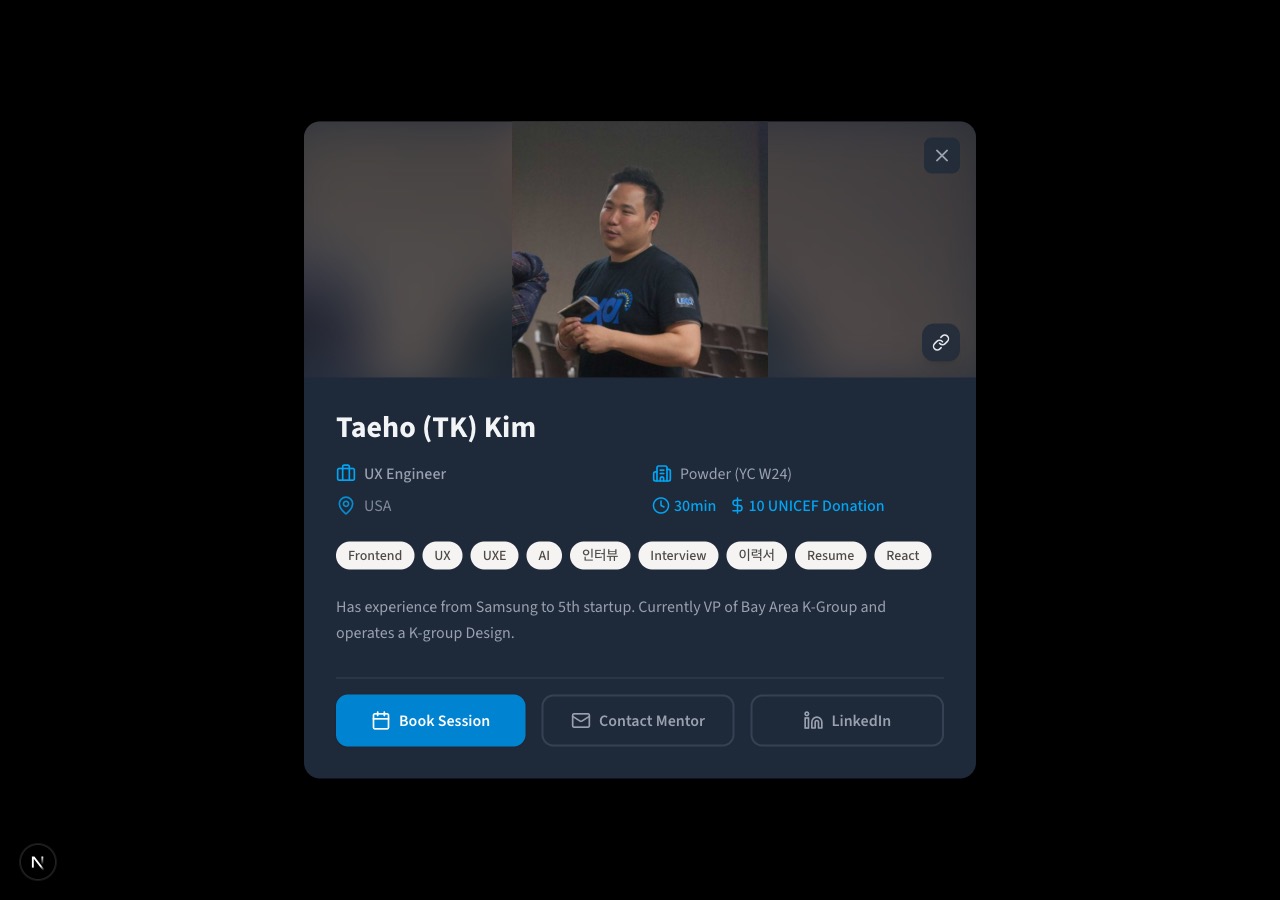
Making Mentor Profiles Shareable
I was trying to tell someone about a mentor on our Donation Mentoring platform. "Check out this person, they'd be perfect for you." And then I realized... I had no way to send them a link. The best I could do was say "go to the site, scroll down, find the person named X, and click on them." Not great.
The Dead End
Donation Mentoring shows mentor profiles in a modal. You click a card, a profile pops up with their photo, bio, expertise tags, session details, and booking links. It works well for browsing.
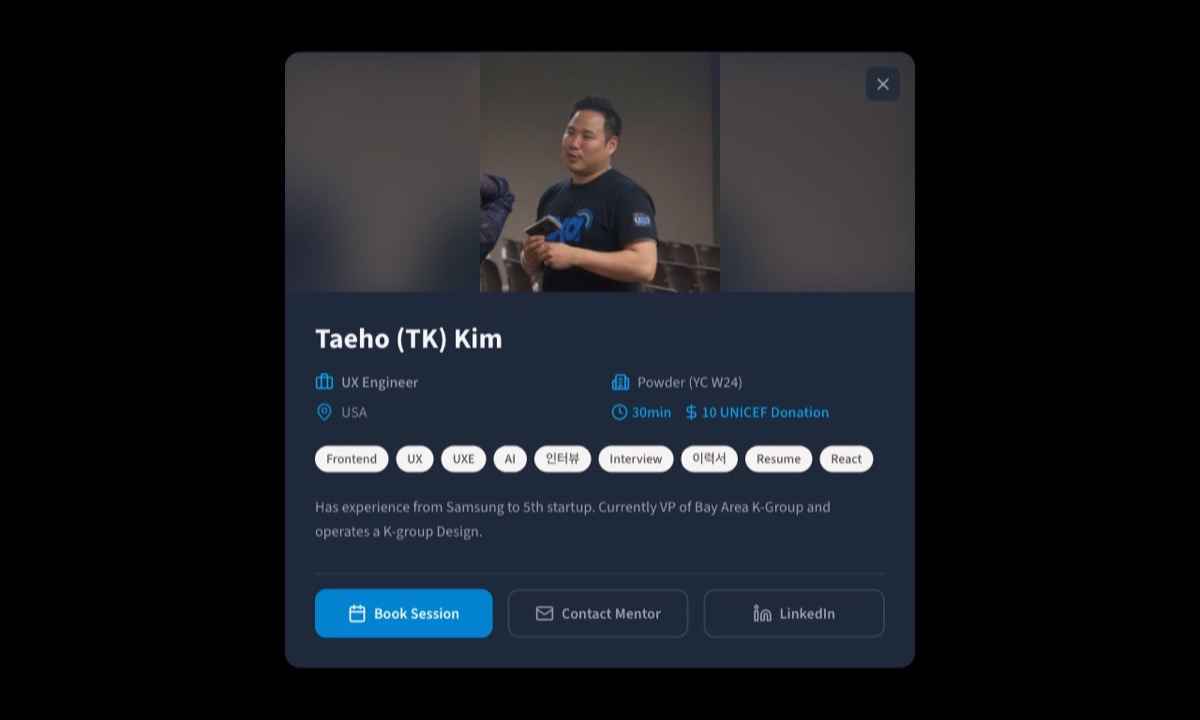
But the URL bar just sat there showing the same root path the whole time. Click a mentor, nothing changes in the address bar. Close it, same URL. Every mentor profile was a dead end, invisible to the outside world.
This meant mentors couldn't link to their own profiles on LinkedIn. They couldn't text a friend "here's my mentoring page." They couldn't paste it into a Slack channel or an email signature. And mentees couldn't share a mentor recommendation with someone else.
For a platform that depends on word-of-mouth and personal recommendations, this was a real problem.
The Fix in Two Parts
The solution came together in two steps.
First, I wired the modals to the URL. When you click on a mentor card, the browser's address bar updates to include a query parameter pointing to that mentor. Close the modal, the URL goes back to clean. Simple URL-based deep linking.
This alone unlocked the most important behavior: copy the URL from your browser bar and send it to someone. When they open it, the page loads and the correct mentor's profile pops up automatically. No scrolling, no searching, no guessing.
The second step was taming the URL itself. The original mentor IDs were full UUIDs, those impossibly long strings of characters that nobody wants to paste into a text message. We shortened them down to compact IDs like ?m=c4fcwc2y. Still not pretty, but way more manageable than a 36-character UUID.
And the finishing touch: a small link icon button right on the profile photo. One tap copies the shareable URL to your clipboard.
Down the road, I'd love to take this one step further and let mentors set their own custom slugs, so the URL could read something like ?m=tk-kim instead of a random string. And honestly, the share button is a bit too hidden right now, tucked into the corner of the photo where you might not notice it. Making that more visible is on the list too. Both are on the backlog for phase 2.
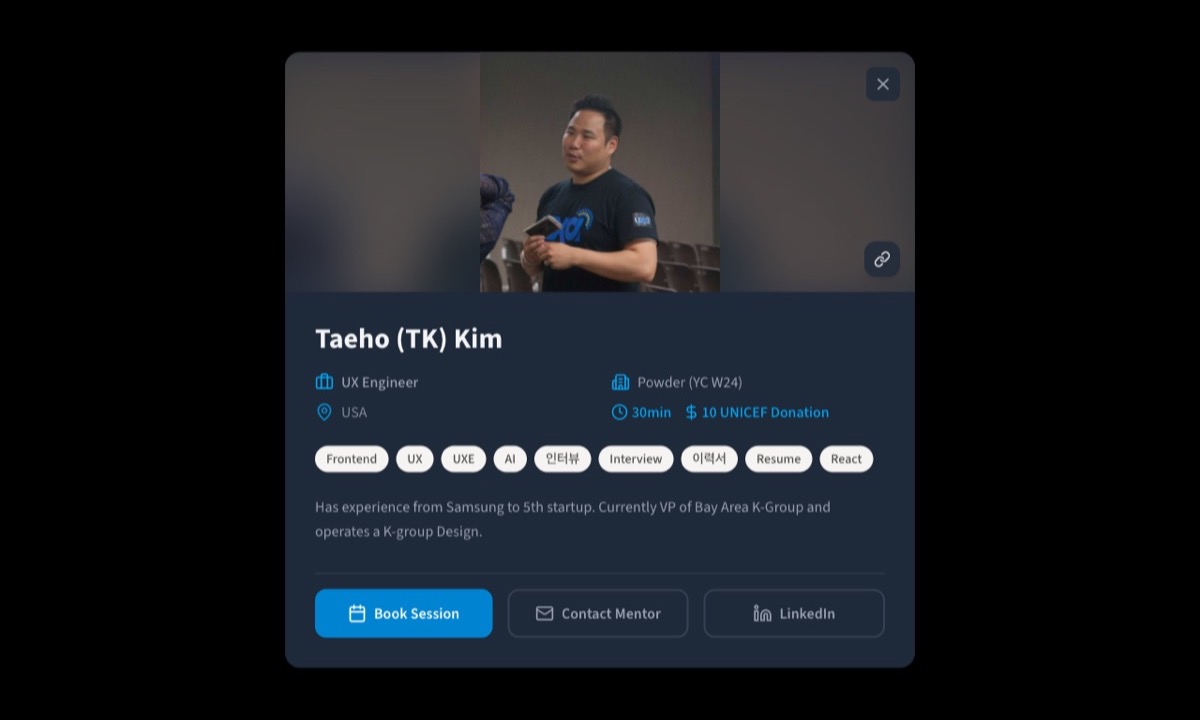
Look at the bottom-right corner of the photo. That little chain-link icon. Click it, and the URL is in your clipboard. The button even switches to a checkmark briefly so you know it worked.
What This Actually Changes
The feature itself is small. A query parameter, a shortened ID, a copy button. But the behavior it enables is significant.
Mentors can now put their profile link on their LinkedIn "About" section. They can drop it in a group chat when someone asks about mentoring. They can include it in their email signature at work. They can post it on social media when they want to attract mentees.
Mentees can send a specific mentor recommendation to a friend. "I just had a session with this person, you should too." Paste the link, done.
And for us as a platform, every shared link is organic discovery. Someone clicks a mentor profile link, sees the page, maybe browses other mentors too. The kind of growth that costs nothing and feels natural.
Thinking About It
It's funny how you can build something, use it regularly, and still miss an obvious gap. I'd been looking at these mentor modals for months. The share problem only clicked when I personally needed to share one and couldn't.
That's the thing about UX work. The best improvements often come from the smallest frustrations. Not from grand redesigns or feature roadmaps, but from the moment you try to do something simple and realize you can't.
Links: